> ## Documentation Index
> Fetch the complete documentation index at: https://resources.begenuin.com/llms.txt
> Use this file to discover all available pages before exploring further.
# Sign Up and Log In
## Sign Up
Welcome to our platform! This guide will walk you through the steps to set up your account and brand profile. Let’s get started!
## Steps:
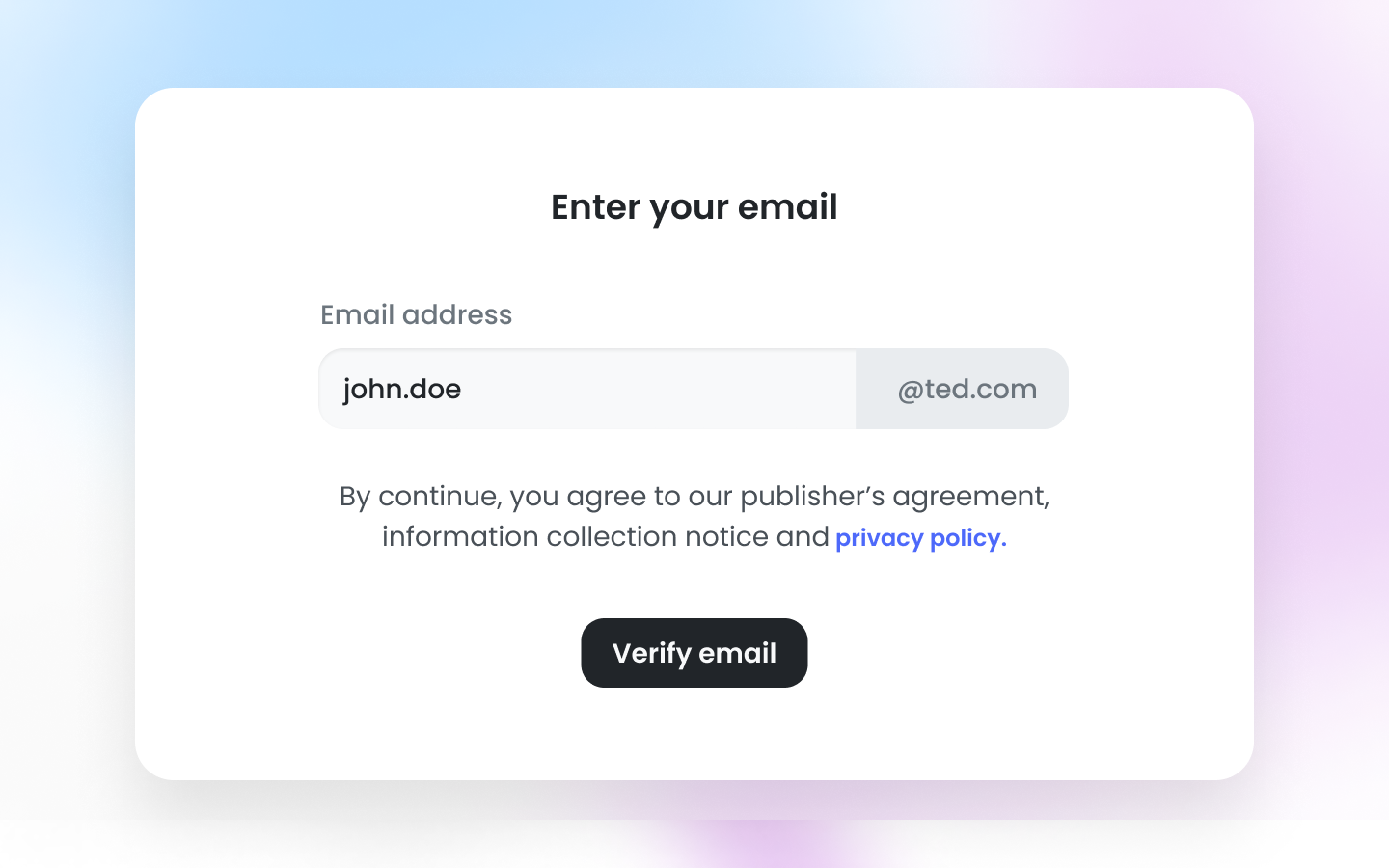
### 1. Enter Your Email and Password:
* Begin by entering your email address and password. Click on the "Agree and Continue" button to proceed.
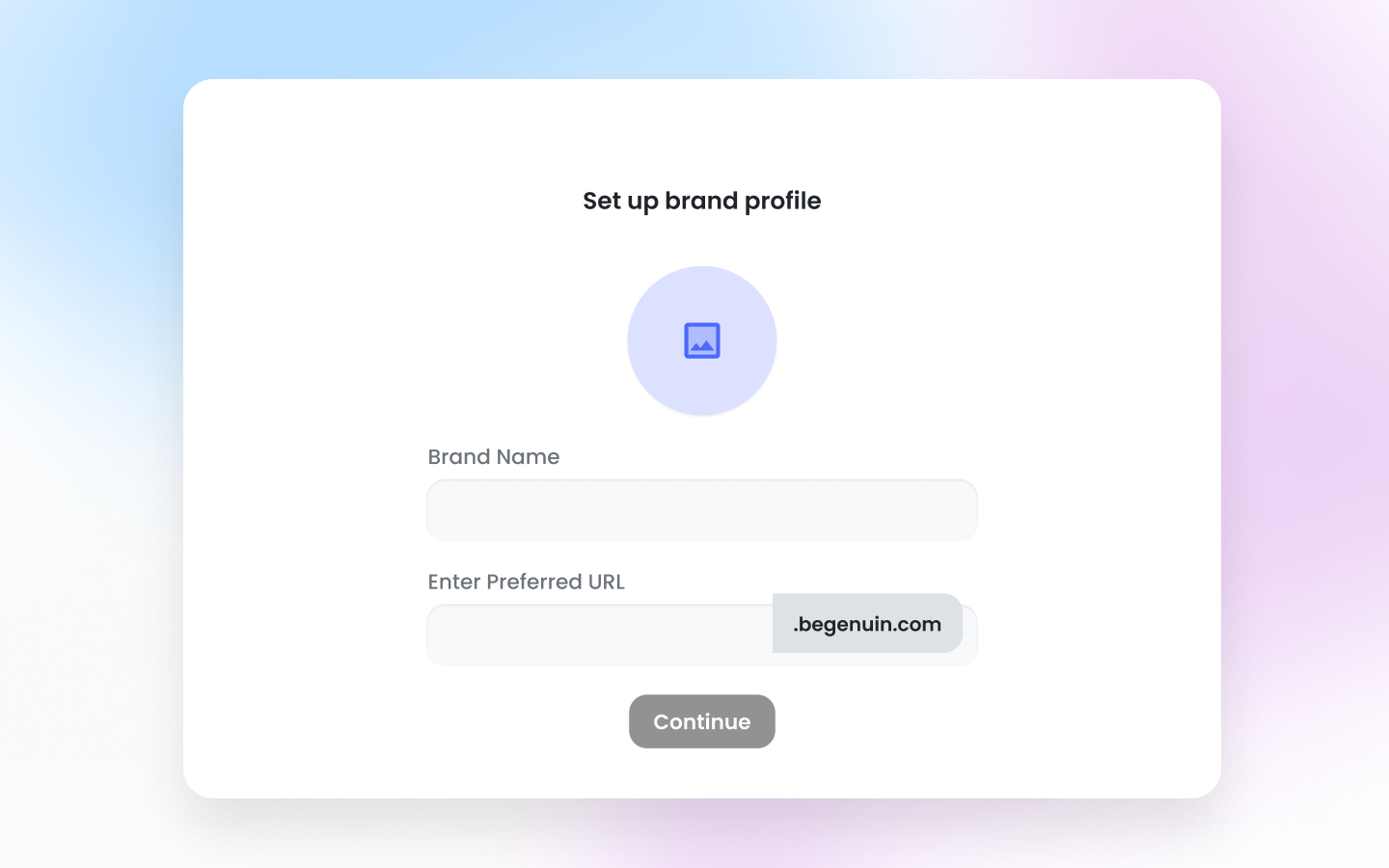
 ### 2. Setup Your Brand Profile:
* Upload your brand image, enter your brand name, and choose your preferred URL to personalize your brand profile.
### 2. Setup Your Brand Profile:
* Upload your brand image, enter your brand name, and choose your preferred URL to personalize your brand profile.
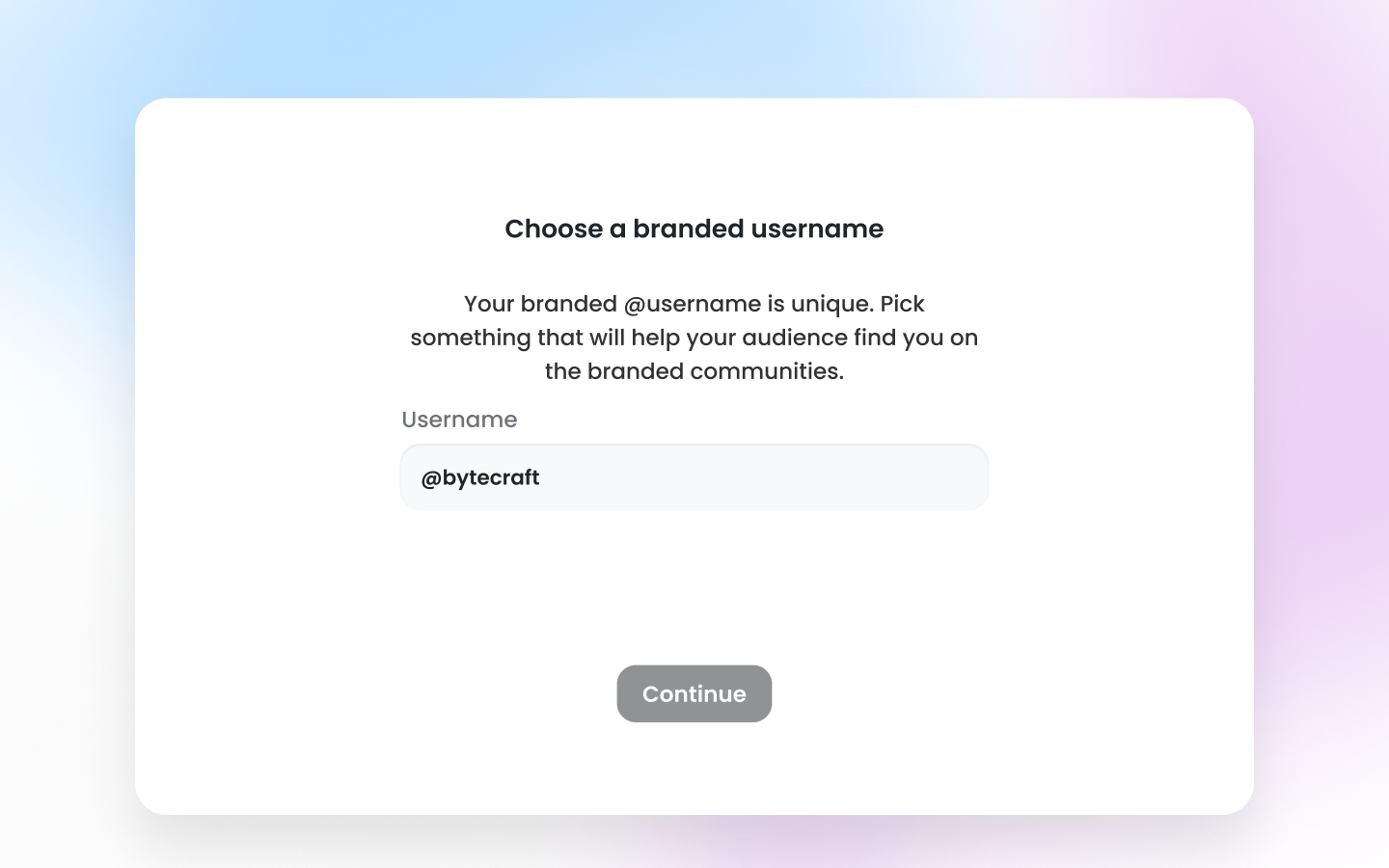
 ### 3. Enter Your Brand Name:
* Input your brand name, which will be displayed to your users.
### 3. Enter Your Brand Name:
* Input your brand name, which will be displayed to your users.
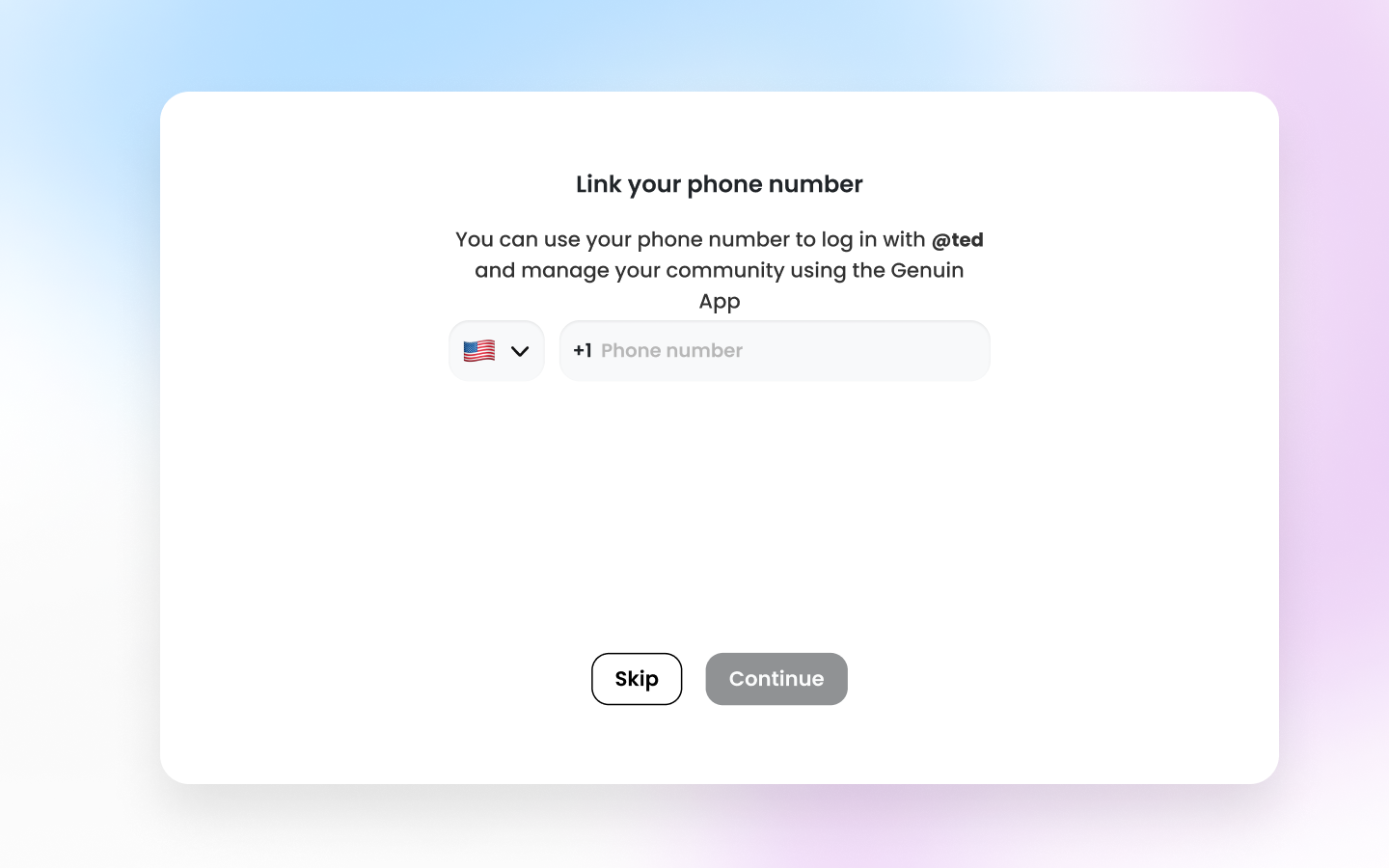
 ### 4. Link Your Phone Number:
* Provide your phone number to link it with your account.
### 4. Link Your Phone Number:
* Provide your phone number to link it with your account.
 Once completed, you'll be logged into your account to start filling out your brand information.
## Login
Add email address and password to login into the Brand Control Center.
Once completed, you'll be logged into your account to start filling out your brand information.
## Login
Add email address and password to login into the Brand Control Center.