> ## Documentation Index
> Fetch the complete documentation index at: https://resources.begenuin.com/llms.txt
> Use this file to discover all available pages before exploring further.
# How to Add and Manage Members
1. **Login to Brand Control Center**.
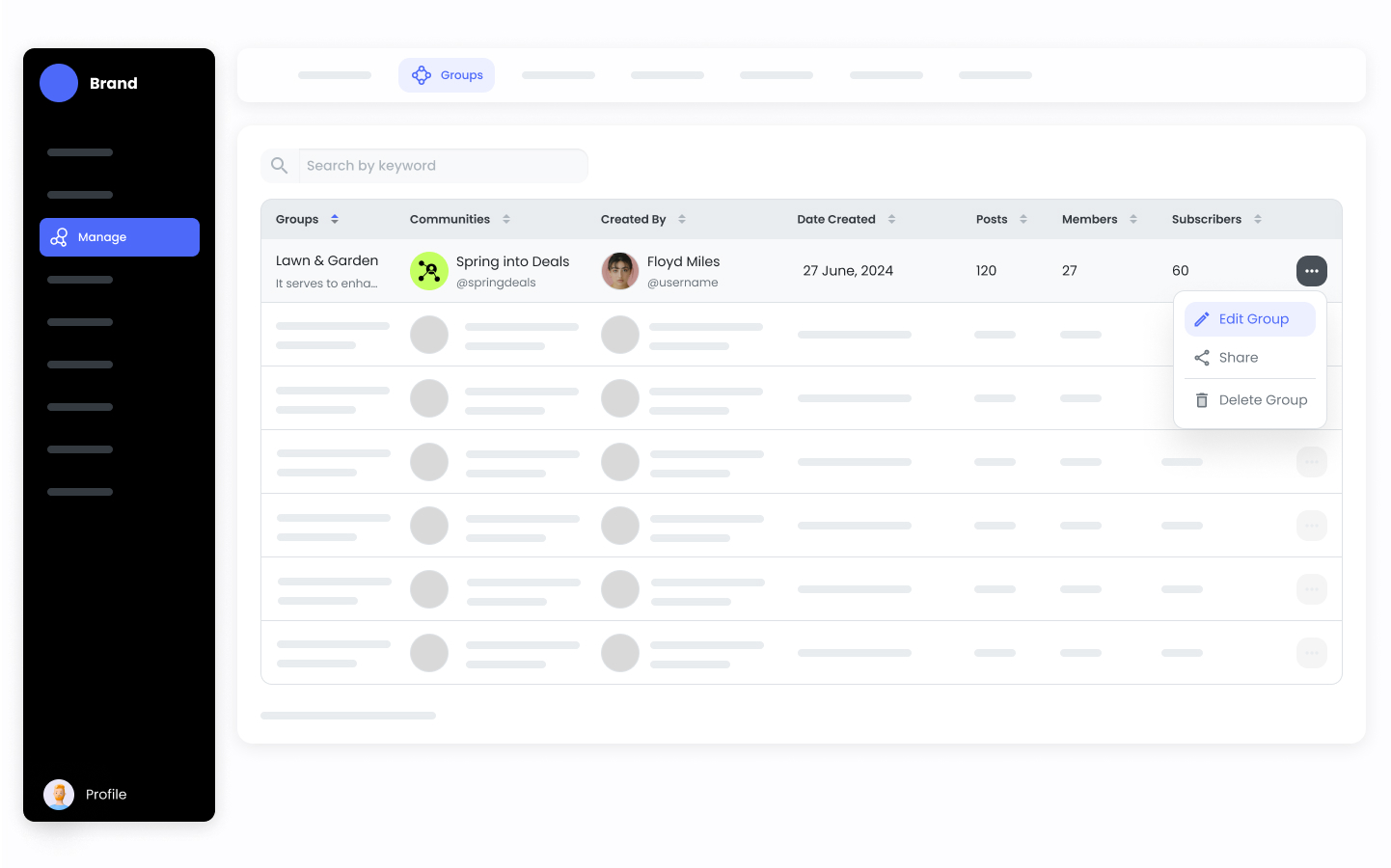
2. Go to **Manage > Groups**.
3. **Edit** the desired Groups.
 4. Go to the Members section.
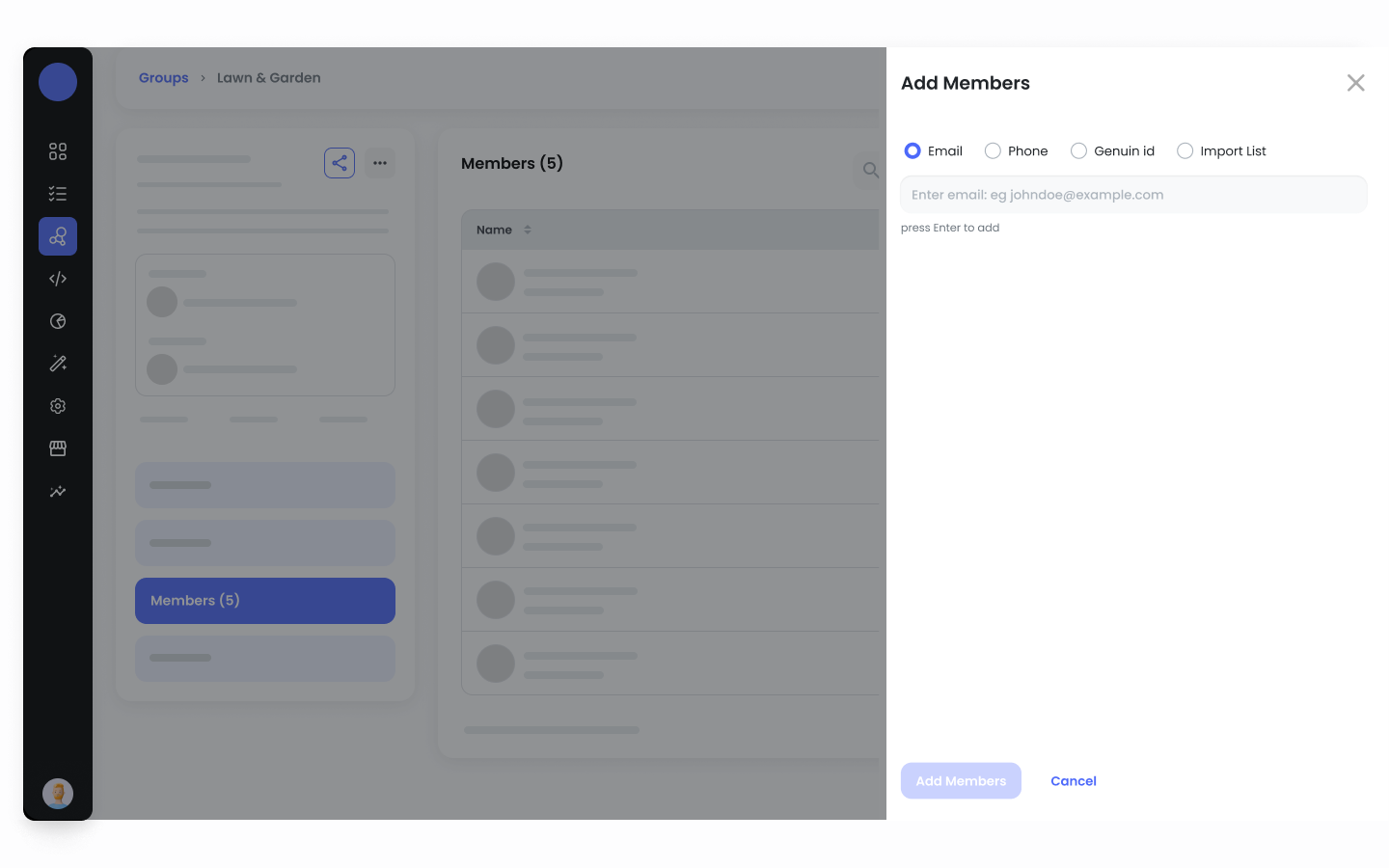
5. Click **+ Add Members**.
4. Go to the Members section.
5. Click **+ Add Members**.
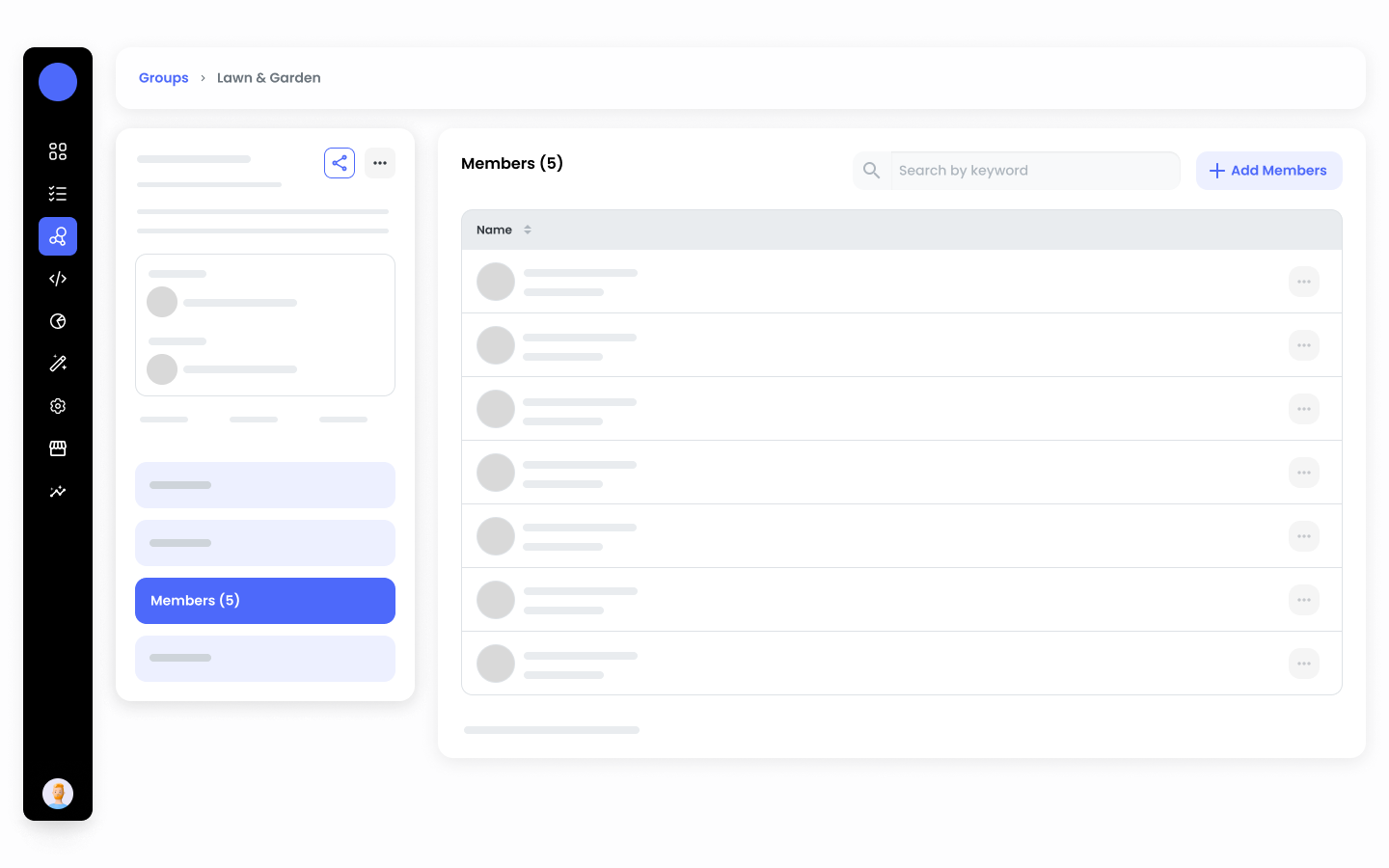 6. Search and add Members to help manage and enhance your community.