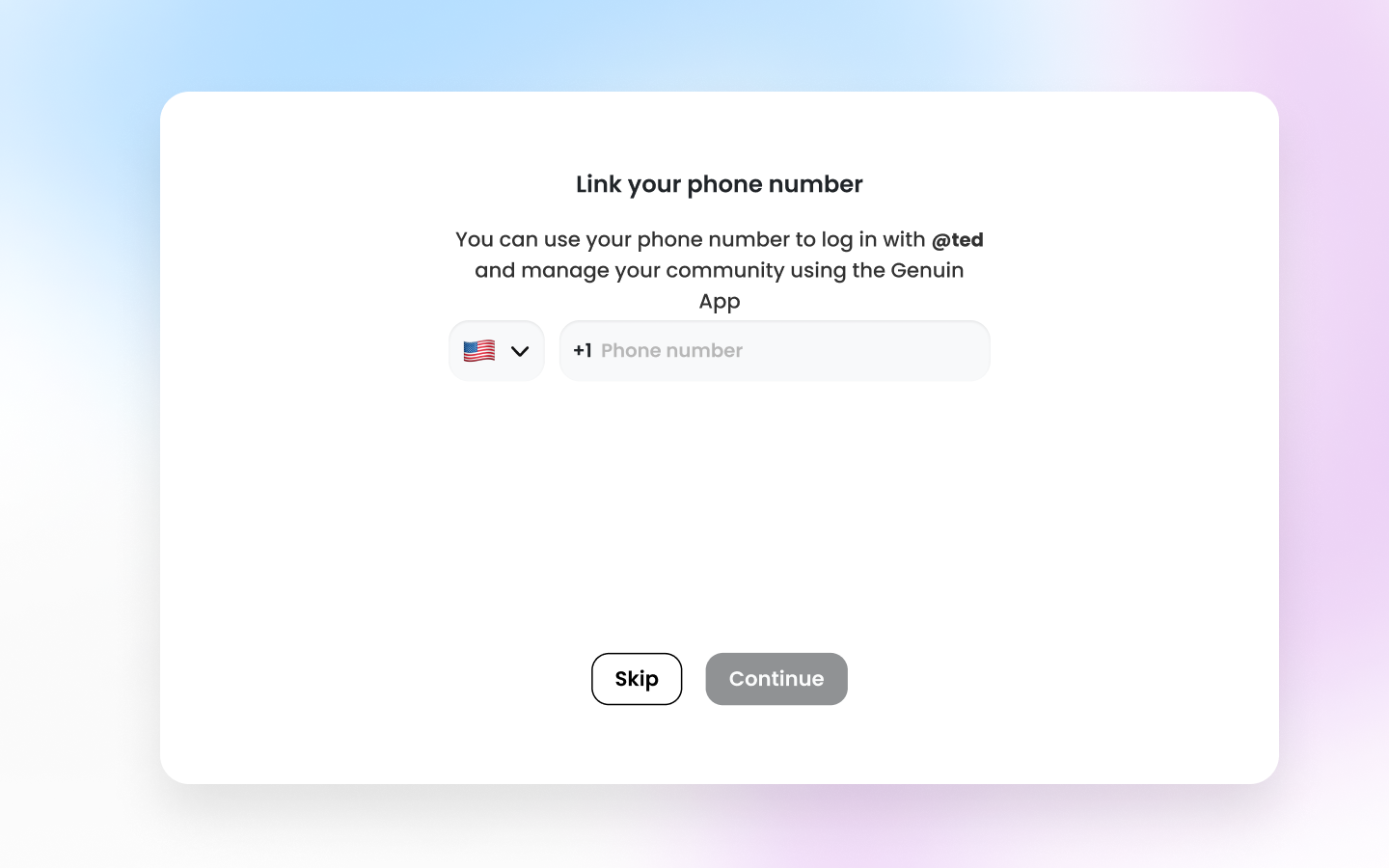
Sign Up
Welcome to our platform! This guide will walk you through the steps to set up your account and brand profile. Let’s get started!Steps:
1.Enter Your Email and Password:
- Begin by entering your email address and password. Click on the “Agree and Continue” button to proceed.
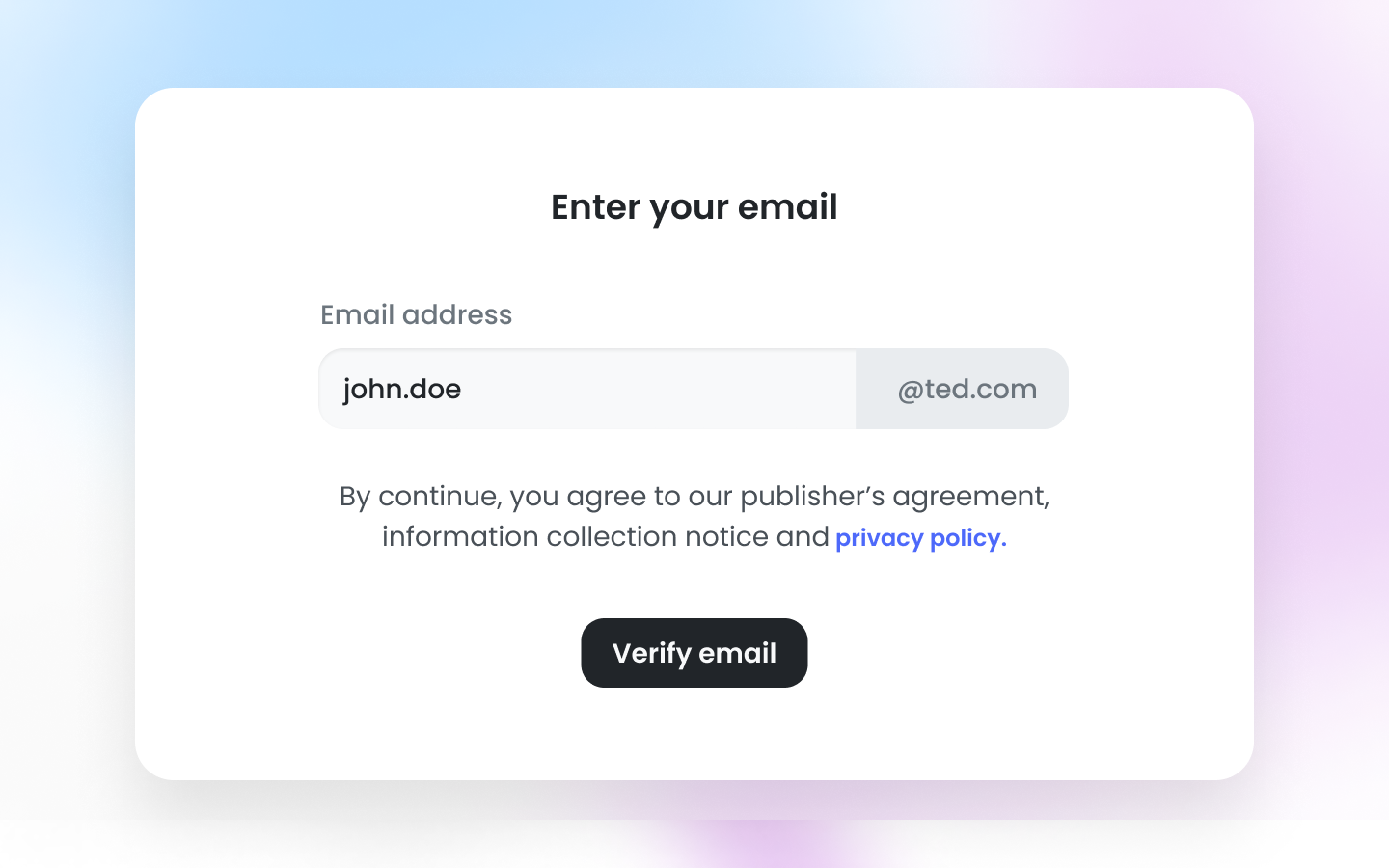
2. Setup Your Brand Profile:
- Upload your brand image, enter your brand name, and choose your preferred URL to personalize your brand profile.
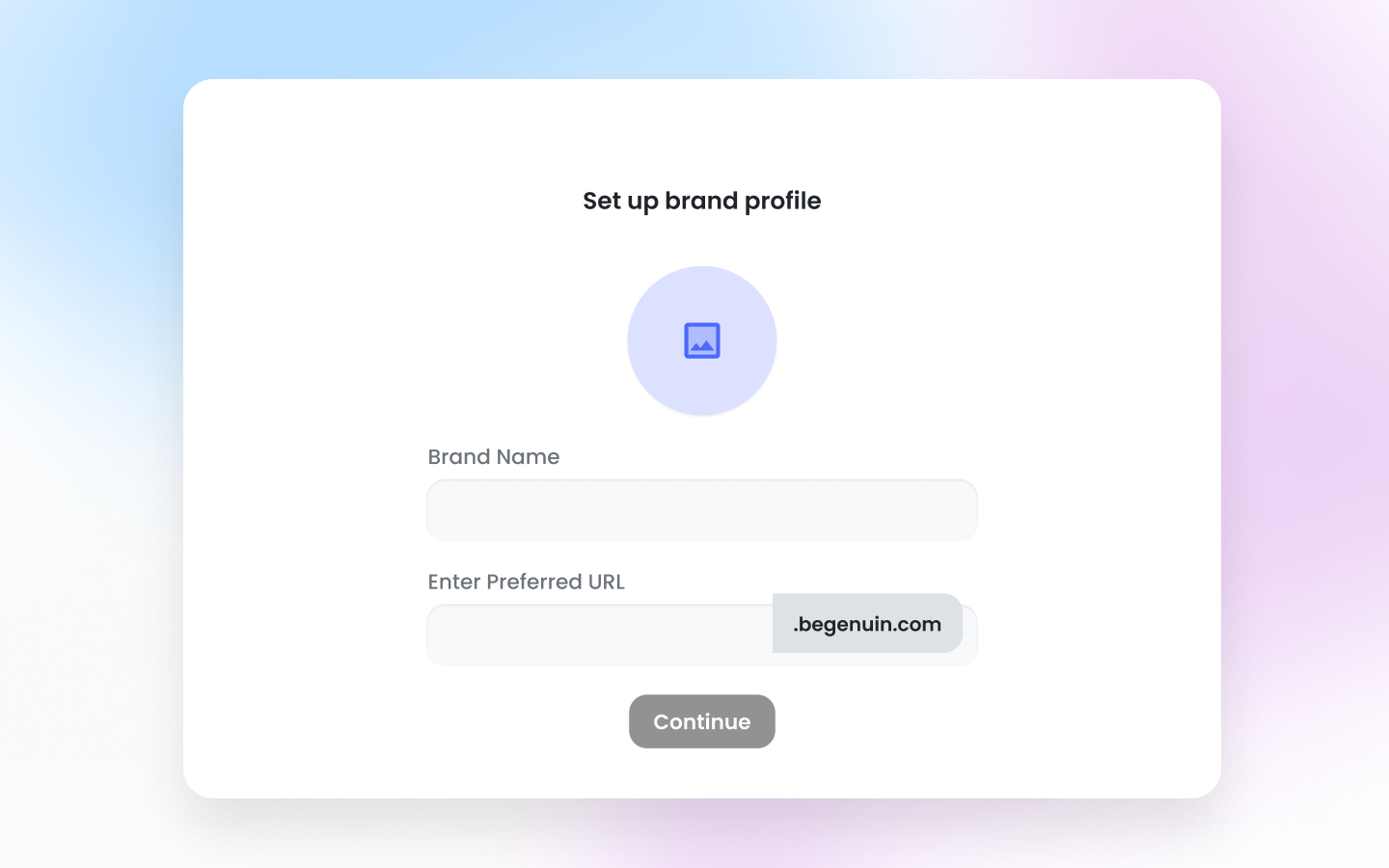
3. Enter Your Brand Name:
- Input your brand name, which will be displayed to your users.
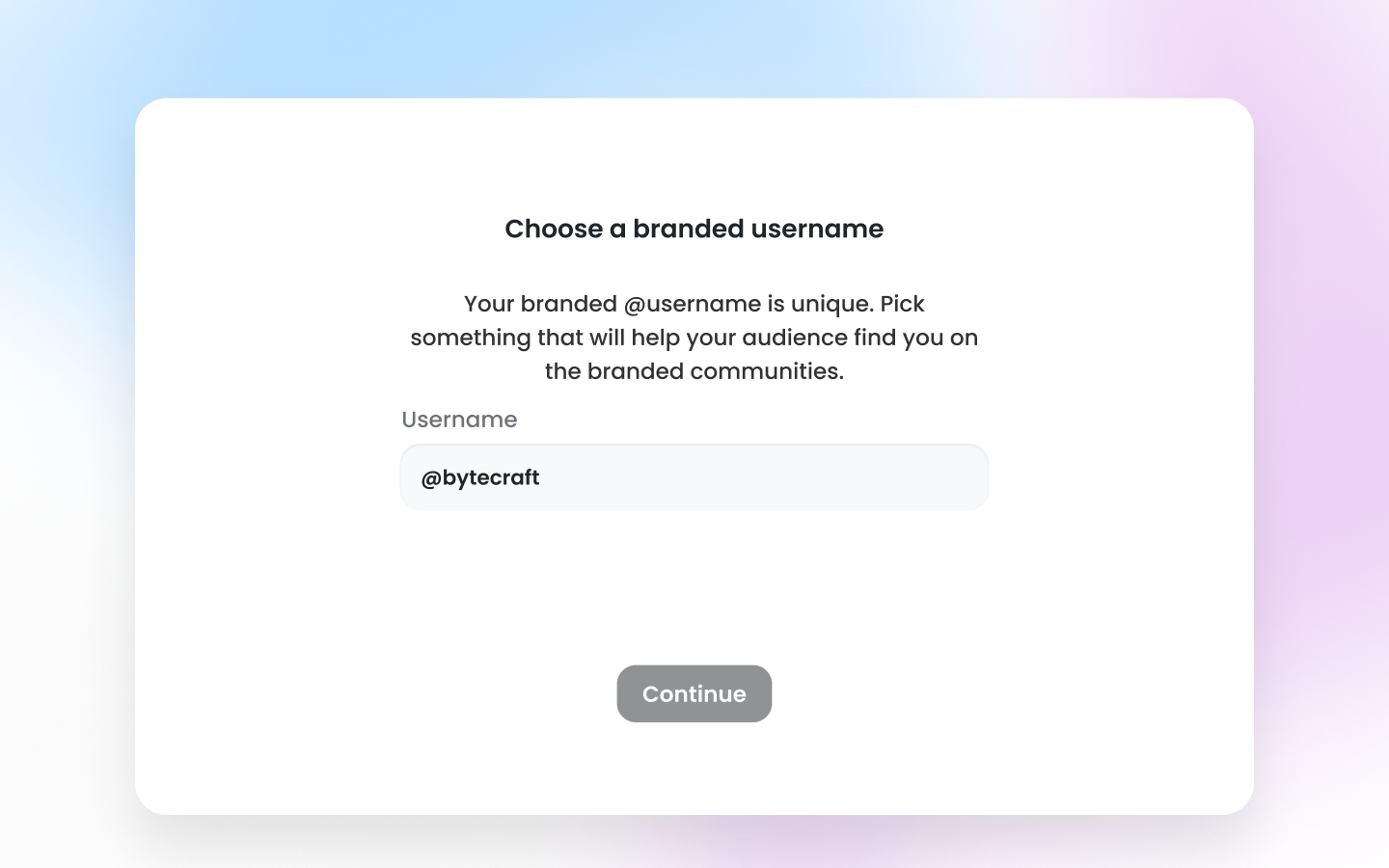
4. Link Your Phone Number:
-
Provide your phone number to link it with your account.